Protected Text: A Simple Way to Protect and Share Text Online
In today’s digital world, people frequently need to store, copy, and share sensitive information such as notes, temporary messages, instructions, passwords, ideas, and personal information. Sending this information through ordinary messaging or storing it in an unprotected text file may not always be the best option. This is where protected text tools can be useful.
Protected Text is an online tool designed to help users create and manage text in a more private and convenient way. Instead of installing complicated software, users can access the tool directly from a web browser and work with their text online.
Whether you want to save a private note, share text with someone, or keep information away from casual access, a protected text tool can provide a simple solution.
What Is Protected Text?
Protected text refers to text that has been placed behind an additional layer of protection, such as a password, private link, access control, or encryption, depending on how the particular tool is designed.
A protected text tool can make it easier to keep information separate from ordinary publicly accessible text.
For example, you might want to create a private note containing:
- Personal notes
- Temporary information
- Project instructions
- Study material
- Work-related notes
- Important reminders
- Text that you want to share privately
Instead of keeping everything in an ordinary text editor, you can use an online protected text tool to organize and access your information through a browser.
Why Use a Protected Text Tool?
There are many situations where protecting text can be useful. One major advantage is convenience. A browser-based tool can be accessed from a computer, tablet, or smartphone without requiring additional software.
1. Easy to Use
A good protected text tool should have a simple interface. Users can enter their text, apply protection, and access the result without dealing with complicated settings.
2. No Software Installation
Because the tool works online, you generally don’t need to install a separate application. Open your browser, visit the tool, and start working with your text.
3. Convenient Text Sharing
Protected text can be useful when you need to share information with another person while adding an additional access step.
4. Useful for Temporary Information
People often need a place to keep temporary information. A protected text tool can be useful for notes, instructions, drafts, and other information that does not need to be stored permanently.
5. Works Across Devices
A web-based protected text tool can be convenient when moving between desktop computers, laptops, tablets, and smartphones.
How to Use Protected Text
Using a protected text tool is generally straightforward.
Step 1: Open the Protected Text Tool
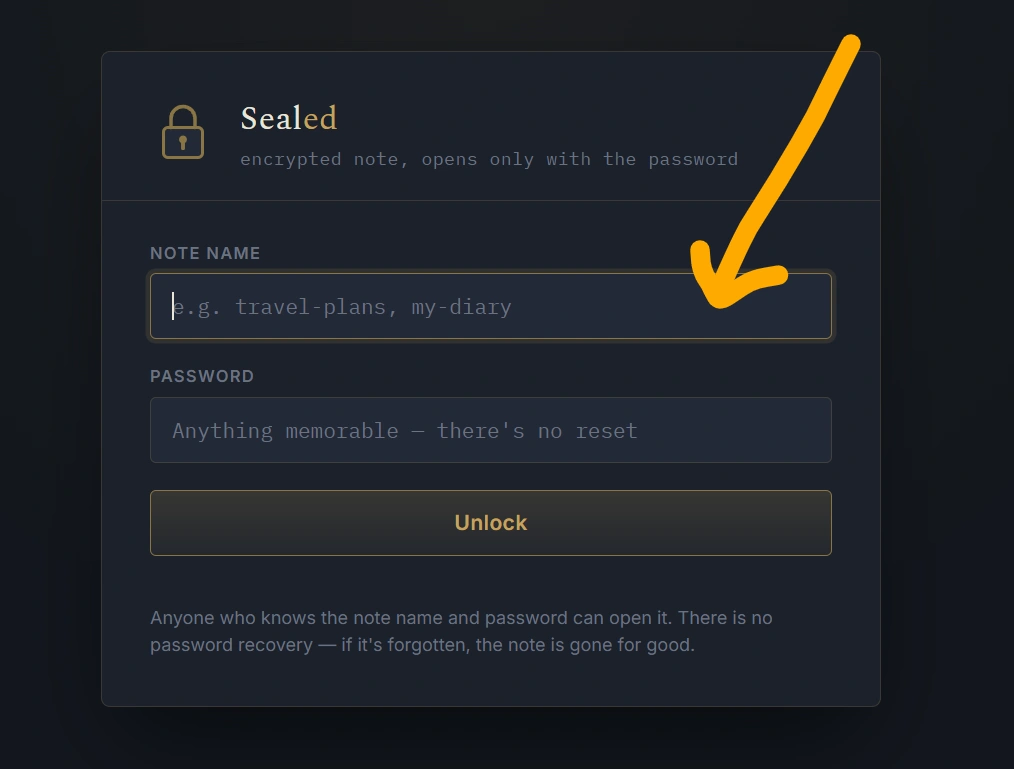
Visit your Protected Text web tool using a modern web browser.
Step 2: Enter Your Text
Type or paste the information you want to protect into the text area.
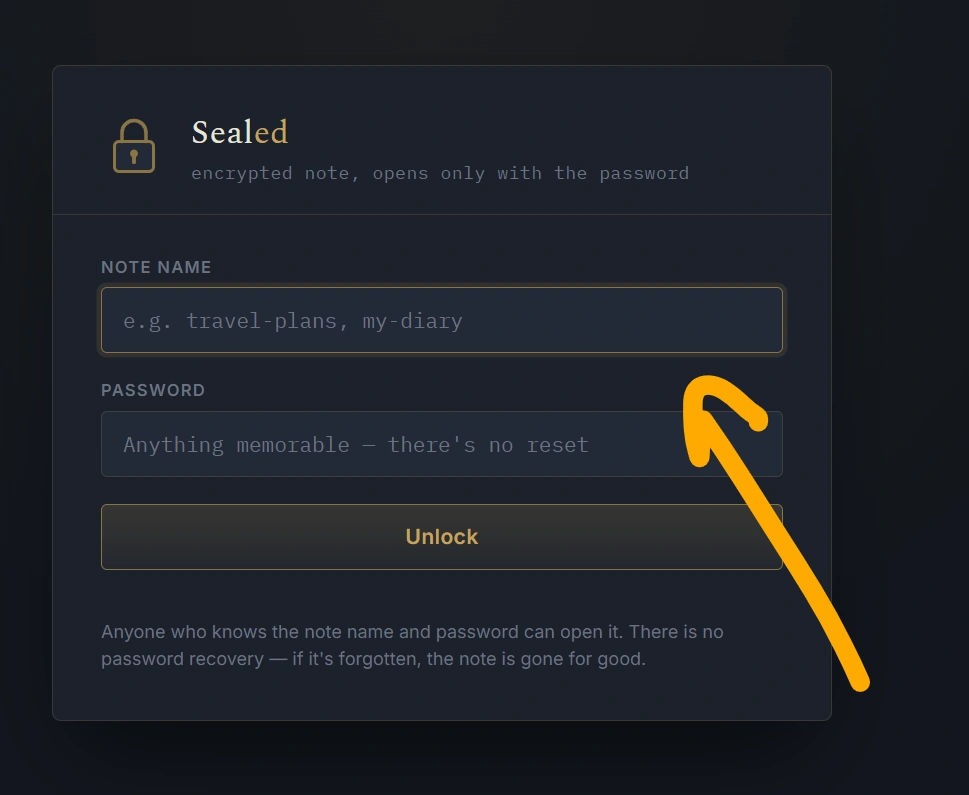
You can use the tool for notes, messages, instructions, drafts, or other text-based information.
Step 3: Apply Protection
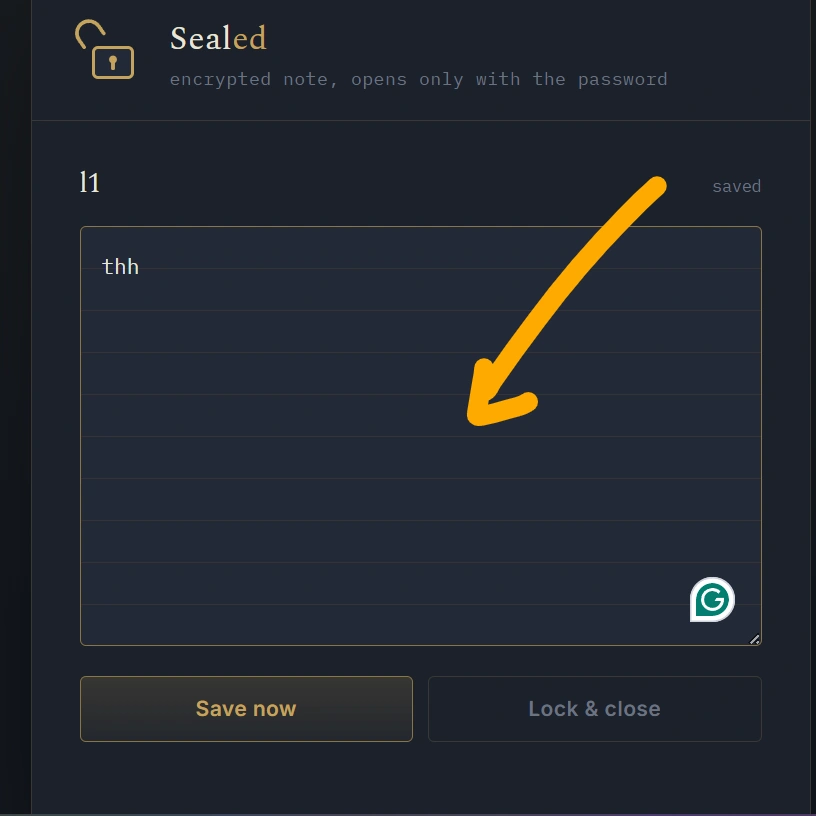
Use the available protection option provided by the tool. Depending on your implementation, this may involve creating a password, private identifier, protected page, or another security mechanism.
Step 4: Save or Create the Protected Text
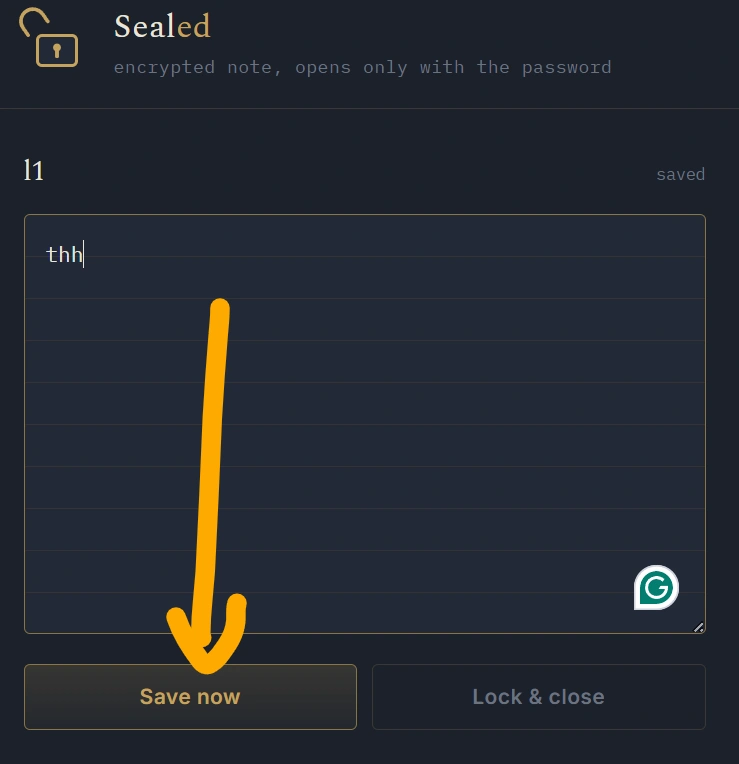
After entering your content and applying protection, create or save your protected text.
Step 5: Access or Share It
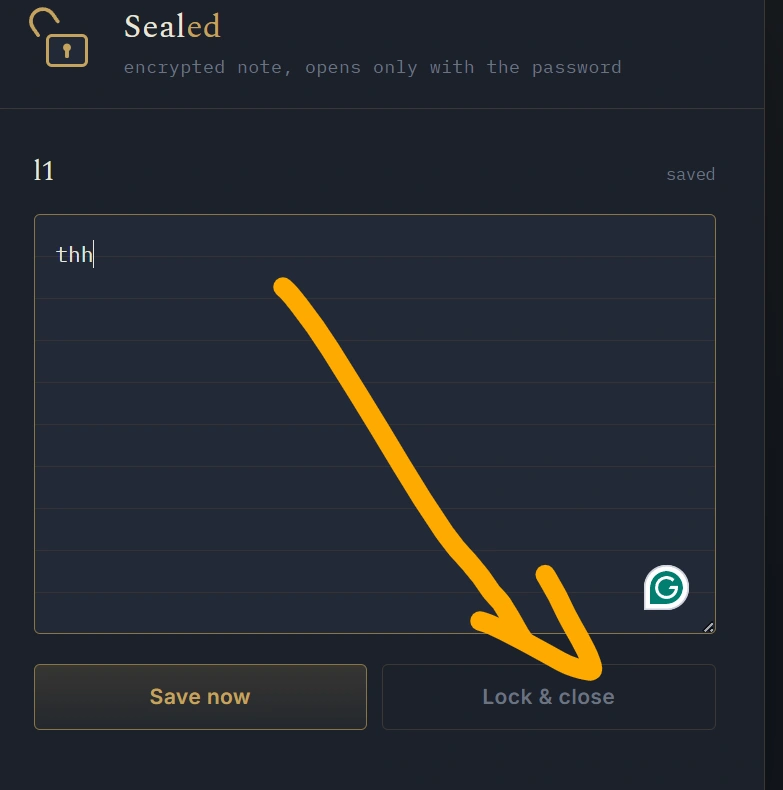
If your tool provides a protected link or identifier, you can use it to access the text later or share it with an intended recipient.
Important: Do not assume that every online protected-text service provides strong encryption or complete confidentiality. Check how your particular tool handles and stores data before entering highly sensitive information.
Protected Text vs. Normal Text
There is an important difference between ordinary text and protected text.
| Feature | Normal Text | Protected Text |
|---|---|---|
| Basic text storage | Yes | Yes |
| Additional access protection | Usually no | Depending on tool |
| Private sharing | Limited | Designed for protected access |
| Browser-based access | Possible | Possible |
| Password protection | Usually unavailable | May be available |
| Suitable for private notes | Limited | Better suited |
The exact security features depend on how the protected text tool is developed.
Common Uses of Protected Text
A protected text tool can be useful for many different purposes.
Personal Notes
You can use protected text for personal notes that you don’t want casually visible to other people using your device.
Study Notes
Students can keep temporary study notes, revision points, project ideas, and other text-based information in one place.
Work Instructions
Teams and individuals can use protected text to organize temporary instructions or project-related information.
Temporary Messages
If you need to share text with another person without posting it publicly, protected text can be a convenient option.
Draft Content
Writers and bloggers can use protected text pages for drafts, ideas, outlines, and temporary content.
Is Protected Text Secure?
Security is an important consideration whenever you use an online service to store or share information.
The word protected does not automatically mean that information is completely secure. The actual level of protection depends on the technology used by the website.
For example, security may depend on:
- Whether HTTPS is used
- How passwords are handled
- Whether data is encrypted
- Where information is stored
- Whether server-side access controls are implemented
- Whether protected content has an expiration feature
- How authentication is implemented
For extremely sensitive information, users should understand the security and privacy practices of the service before uploading or storing it.
Never use an online text-sharing tool as a substitute for a properly designed password manager or secure enterprise system unless the service specifically provides those security features.
Benefits of Using Protected Text Online
The biggest benefit of online protected text is the combination of accessibility and additional privacy controls.
Fast Access
You can access a browser-based tool quickly without installing software.
Simple Interface
Users can work with text without learning complicated applications.
Convenient Sharing
Protected pages can make sharing certain information more convenient.
Cross-Platform
Web-based tools can work across different operating systems and devices.
Useful for Different Purposes
From personal notes to temporary project information, protected text has many potential applications.
Frequently Asked Questions About Protected Text
What is protected text?
Protected text is text that has an additional access or security mechanism, such as password protection, private access, or encryption, depending on the service.
Is protected text free?
Many online protected text tools offer free functionality. The available features depend on the individual website.
Can I use protected text on my phone?
Yes. If the tool is browser-based and mobile responsive, you can use it from a smartphone or tablet.
Do I need to install an application?
Usually not. A web-based protected text tool can be accessed directly through a browser.
Can I share protected text?
Some protected text tools provide sharing functionality through private links, passwords, or other access mechanisms.
Is protected text the same as encryption?
No. Protected text is a broad term. A service may provide password protection without encrypting the content in a way that meets a particular security standard. Always check the tool’s actual security implementation.
Can I store passwords in protected text?
It is generally better to use a reputable password manager specifically designed to protect passwords and authentication secrets rather than an ordinary online text tool.
Conclusion
Protected Text provides a convenient concept for people who want to create, manage, and share text with an additional layer of access protection. Its browser-based nature can make it useful for personal notes, temporary messages, study material, project information, and other text-based content.
However, users should understand that the level of security depends on the technology behind the tool. For highly sensitive information, always use a service specifically designed and documented for that type of data.
If you are looking for a simple, fast, and convenient way to work with protected text online, your Protected Text tool can provide an accessible solution directly from a web browser.